Explore the Articulate Engage Interaction Types
| Site: | UCSF Collaborative Learning Environment |
| Course: | Articulate Support Center |
| Book: | Explore the Articulate Engage Interaction Types |
| Printed by: | Guest user |
| Date: | Saturday, July 18, 2026, 1:18 AM |
Articulate Engage offers a variety of Interaction types that are easy to use and engaging for the learner. Each Interaction type serves a different learning purpose.
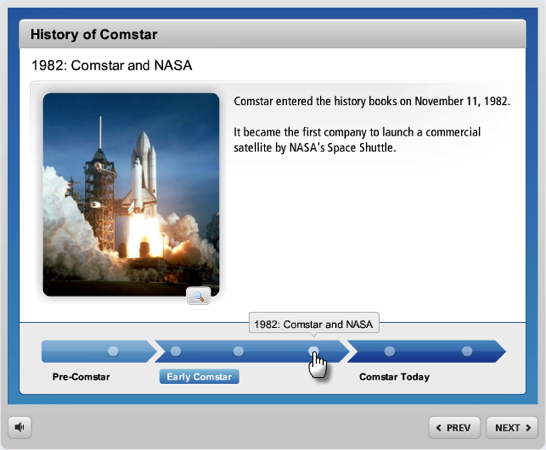
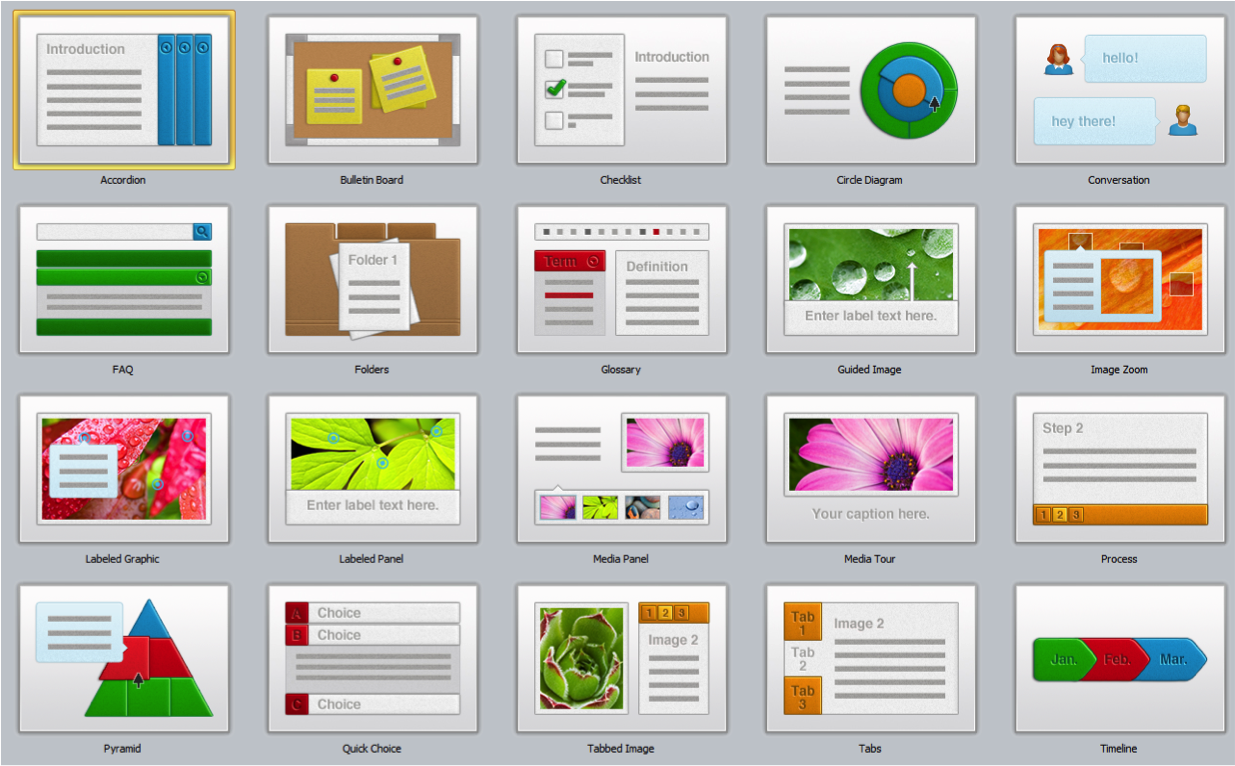
Take a look at the below image and then, explore the different interaction types by clicking the names in the Table of Contents located on the left hand side of the page.
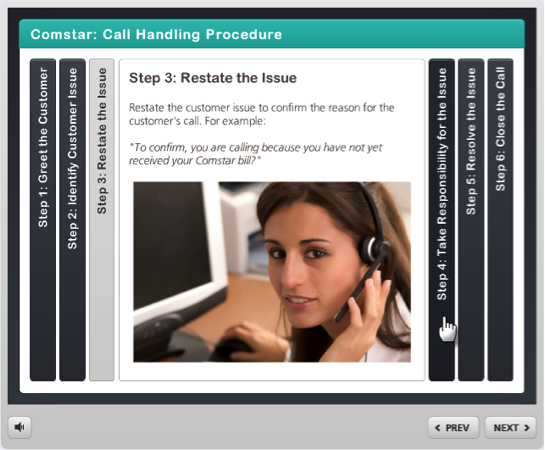
The Accordion interaction lets learners explore a group of related items in a horizontal layout.
- Walk through a list of related concepts.
- Identify members of a group.
- Compare several objects.
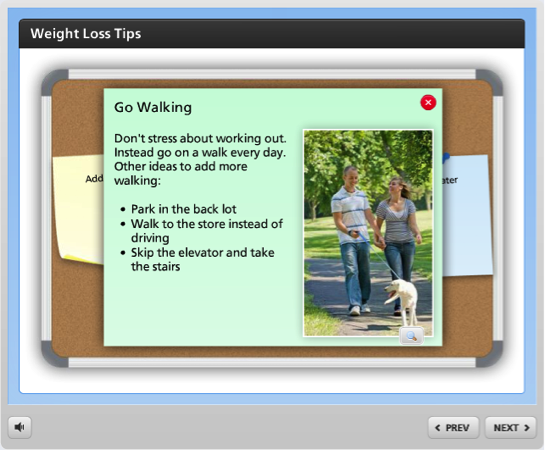
The Bulletin Board interaction lets learners explore a series of items in a freeform manner.
- Make announcements.
- Provide instructions or reminders.
- Establish the details of a scenario.
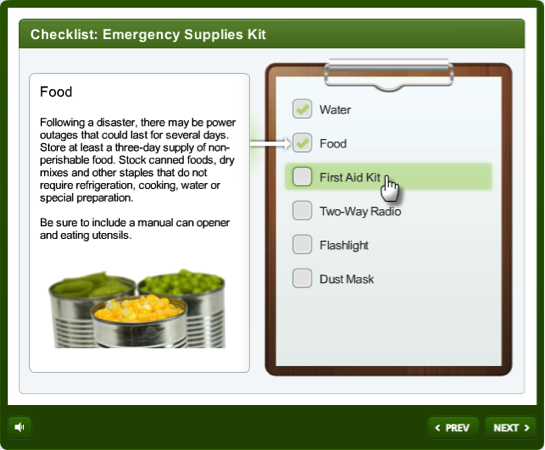
The Checklist interaction lets learners explore a list of related items.
- Walk through a list of related concepts.
- Provide instructions or reminders.
- Identify a to-do list.
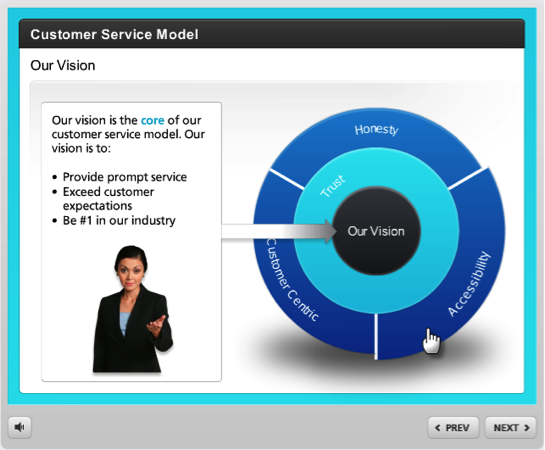
The Circle Diagram interaction lets learners examine the relationship of items in a circular hierarchy.
- Show related items within a hierarchy.
- Organize concepts into segments and layers.
- Graphically depict a philosophy or approach.
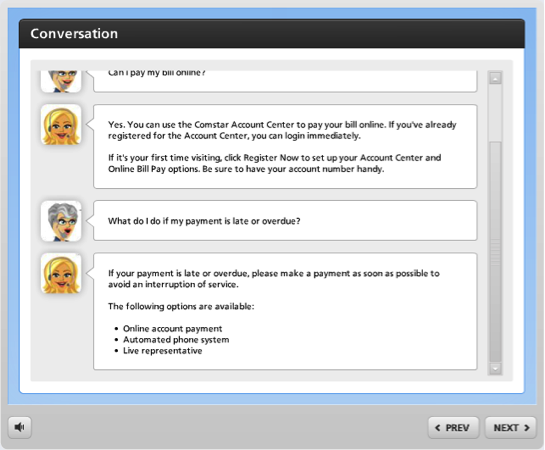
The Conversation interaction lets learners step through a social media dialog.
- Set up a scenario.
- Critique an interview.
- Teach interpersonal skills.
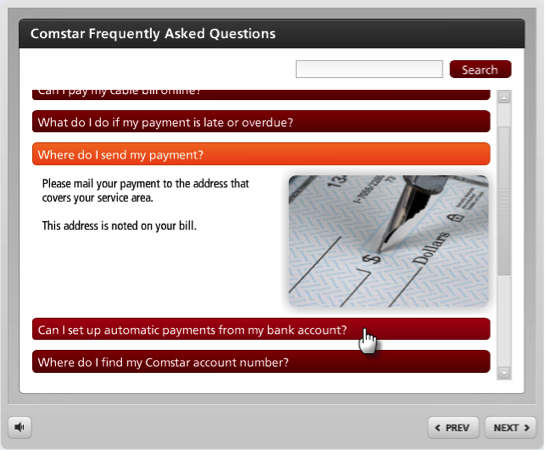
The FAQ interaction allows users to find the answers to frequently asked questions.
- Answer commonly asked questions.
- Let learners search for solutions to problems.
- Review subject matter in a question-and-answer format.
The Folders interaction lets learners explore the contents of a series of folders.
- Walk through a list of related concepts.
- Identify members of a group.
- Compare several objects.
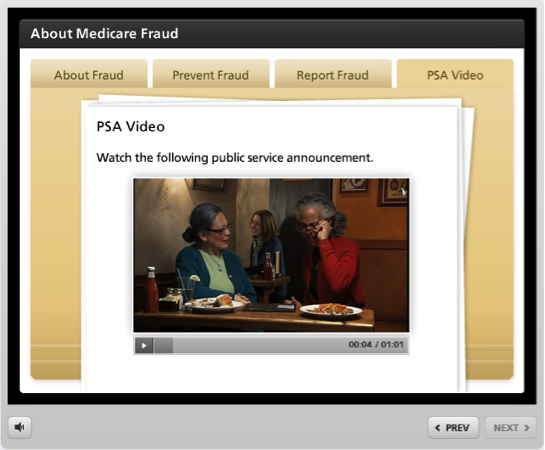
The Glossary interaction lets learners reveal definitions of words, terms, and phrases.
- Define commonly used terms.
- Explain technical acronyms.
- Provide understanding of cultural phrases.
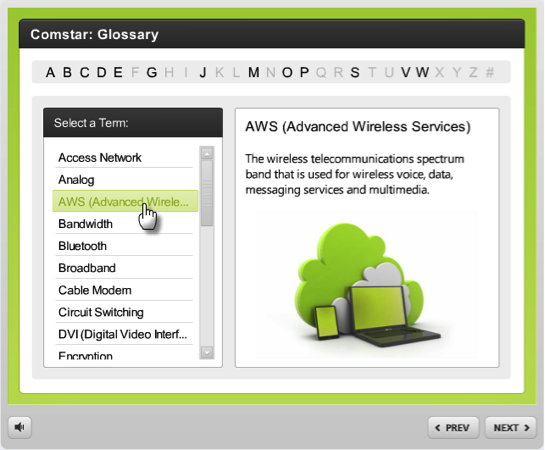
The Guided Image interaction lets learners examine important parts of an image or diagram.
- Step through details of an image.
- Explain significant parts of a graphic.
- Describe the steps in a process.
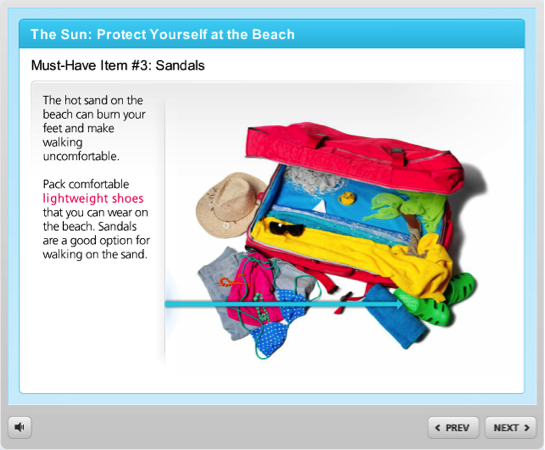
The Image Zoom interaction lets learners zoom into important parts of an image or diagram.
- Step through details of an image.
- Explain significant parts of a graphic.
- Describe the steps in a process.

The Labeled Graphic interaction lets learners identify the key elements of an image.
- Highlight details of an image.
- Call out relevant parts of a graphic.
- Explain features of a software screenshot.
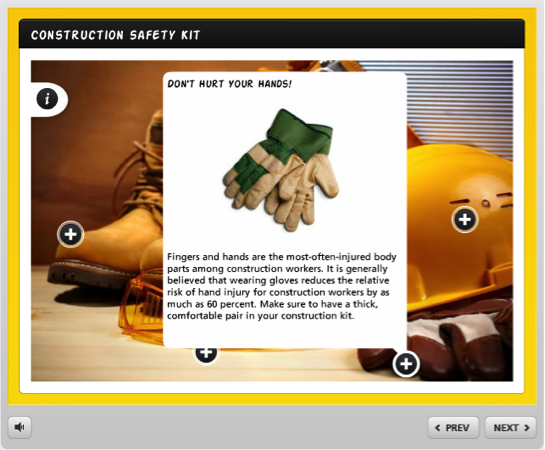
The Labeled Panel interaction lets learners identify the key elements of an image.
- Highlight details of an image.
- Call out relevant parts of a graphic.
- Explain features of a software screenshot.
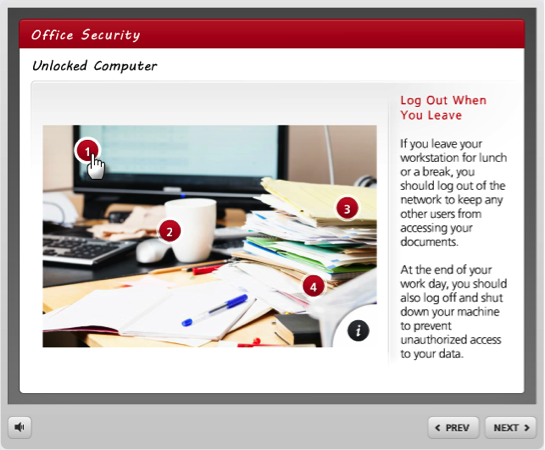
The Media Panel interaction lets learners explore a series of related images, videos, and Flash files.
- Explain a process with images and videos.
- Walk through screenshots of a software application.
- Create a multimedia tour from photographs and videos.
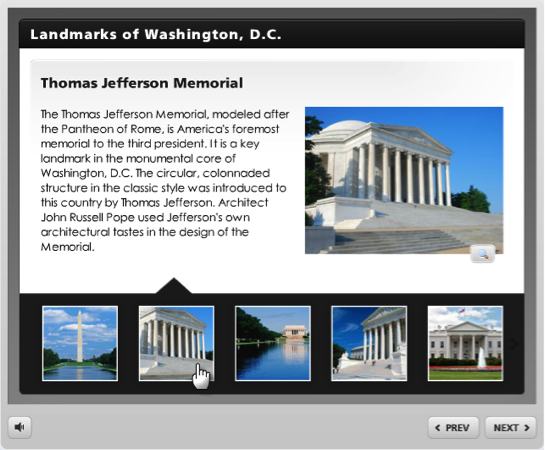
The Media Tour interaction lets learners step through a series of related images, videos, and Flash files.
- Explain a process with images and videos.
- Walk through screenshots of a software application.
- Create a multimedia tour from photographs and videos.

The Process interaction lets learners discover the steps of a linear process.
- Illustrate the steps of a process.
- Walk through a series of related items.
- Explain a workflow or procedure.
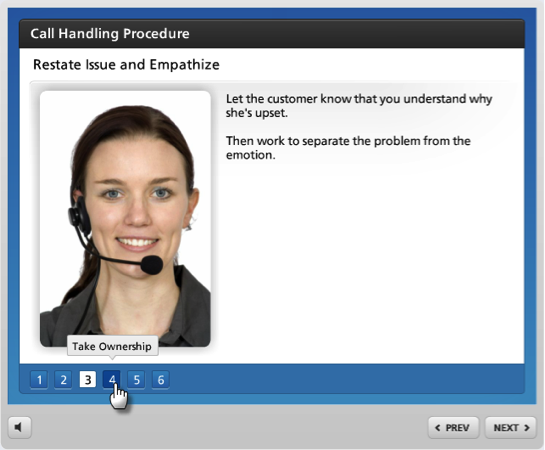
The Pyramid interaction lets learners explore a hierarchical relationship of concepts.
- Show relationships within a hierarchy.
- Compare levels of importance in related concepts.
- Detail steps in a process or methodology.
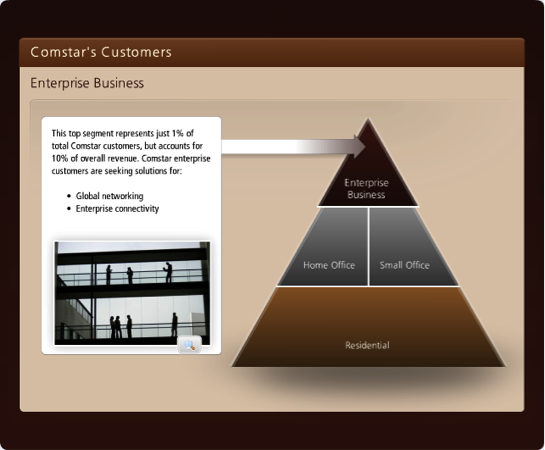
The Quick Choice interaction lets learners find information through self-directed discovery.
- Teach interpersonal skills.
- Differentiate true and false information about a subject.
- Test knowledge of a subject in an ungraded format.
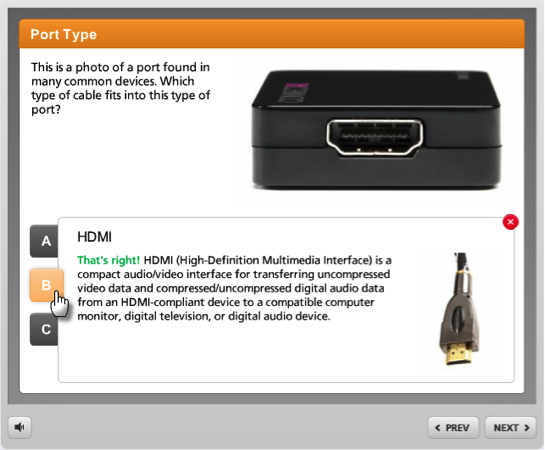
The Tabbed Image interaction lets learners explore a series of items related to an image or diagram.
- Walk through a list of related concepts.
- Explain significant parts of a graphic.
- Identify members of a group.
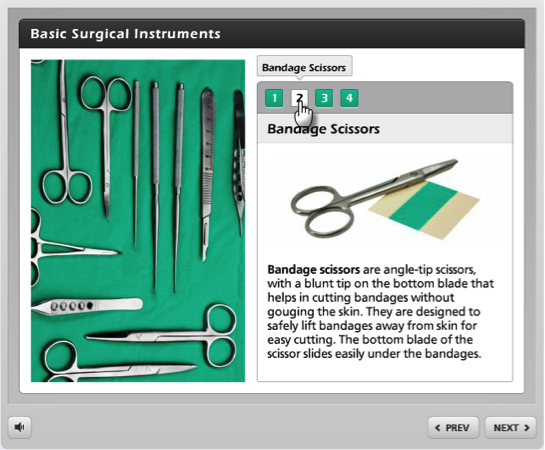
The Tabs interaction lets learners explore a group of related items.
- Walk through a list of related concepts.
- Identify members of a group.
- Compare several objects.
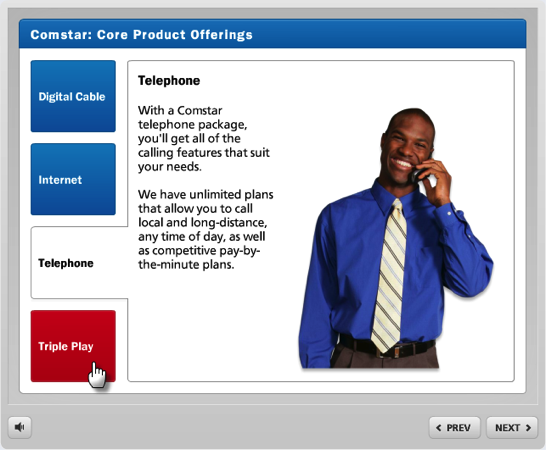
The Timeline interaction lets learners discover the events on a timeline.
- Walk through a series of periods and events.
- Highlight key milestones in a schedule.
- Explain the steps in a sequence.