
Find out where you can go to use the Articulate '13 software
You can get access to the Articulate '13 software in a couple of different ways through the Tech Commons (CL-240 of the Kalmanovitz Library on the UCSF Parnassus Campus):
Multimedia Room CL-245
Full Articulate '13 Studio (Presenter, Engage, Quizmaker, and Replay) installed with character bundle (photos and characters) in a quiet room with high quality microphone, webcam, touchpad for quiet "clicking", and Wacom tablet for annotating screencasts.
To reserve time in this room, visit http://tiny.ucsf.edu/reserveMM
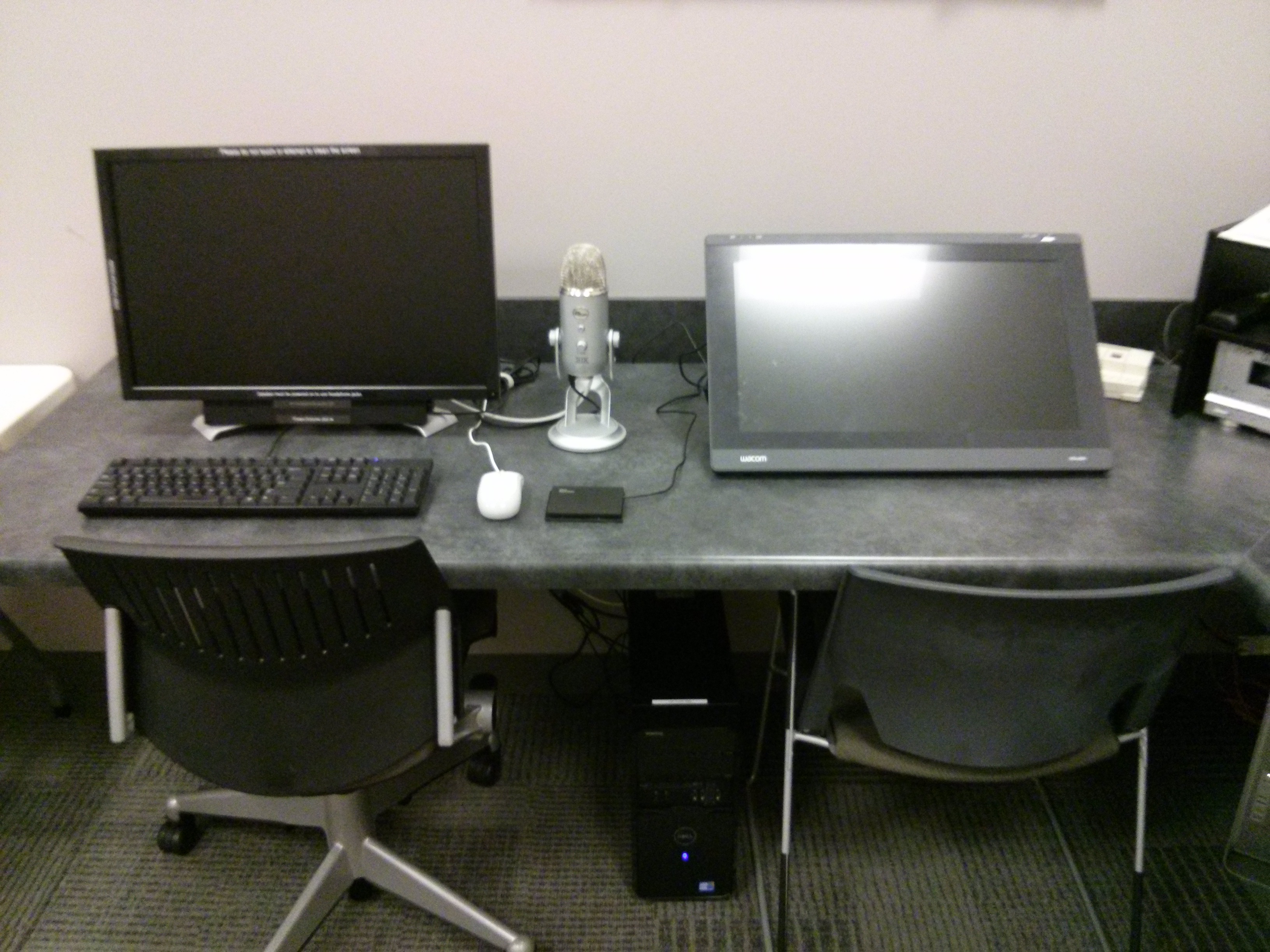
Workstation #5 in CL-240
Full Articulate '13 Studio (Presenter, Engage, Quizmaker, and Replay) installed with character bundle (photos and characters).
To reserve time at this workstation, visit http://tiny.ucsf.edu/reserveMM
Multimedia Loaner Laptop
Full Articulate '13 Studio (Presenter, Engage, Quizmaker, and Replay) installed on a Dell laptop with portable microphone. The laptop can generally be reserved for one week at a time with the opportunity to extend the reservation, depending on demand.
To reserve this loaner laptop, contact learningtech@ucsf.edu with the dates you are interested in using it.
Free Trial
A free 30 day trial of both Articulate '13 and Articulate Storyline can also be downloaded and installed from the Articulate.com website. You will have full functionality of the software and be able to keep your editable and published files, even after the trial expires. Please note that Articulate can only be used on a PC. At this time, it cannot be used on a Mac.