
How to Use Video Analytics
Completion requirements
- Post a video as a Media Resource [instructions]
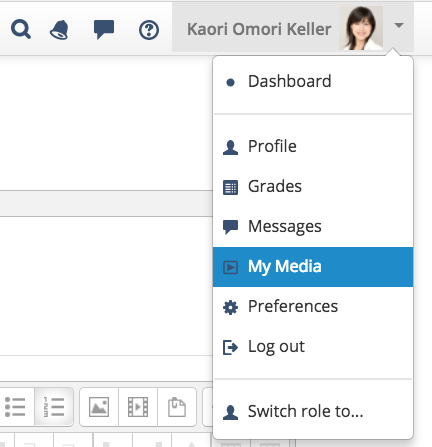
- Click the down arrow next to your profile picture, then click My Media
- Select the media by clicking the video title
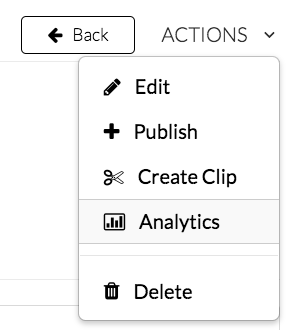
- Click the Actions button below the video player, then click Analytics
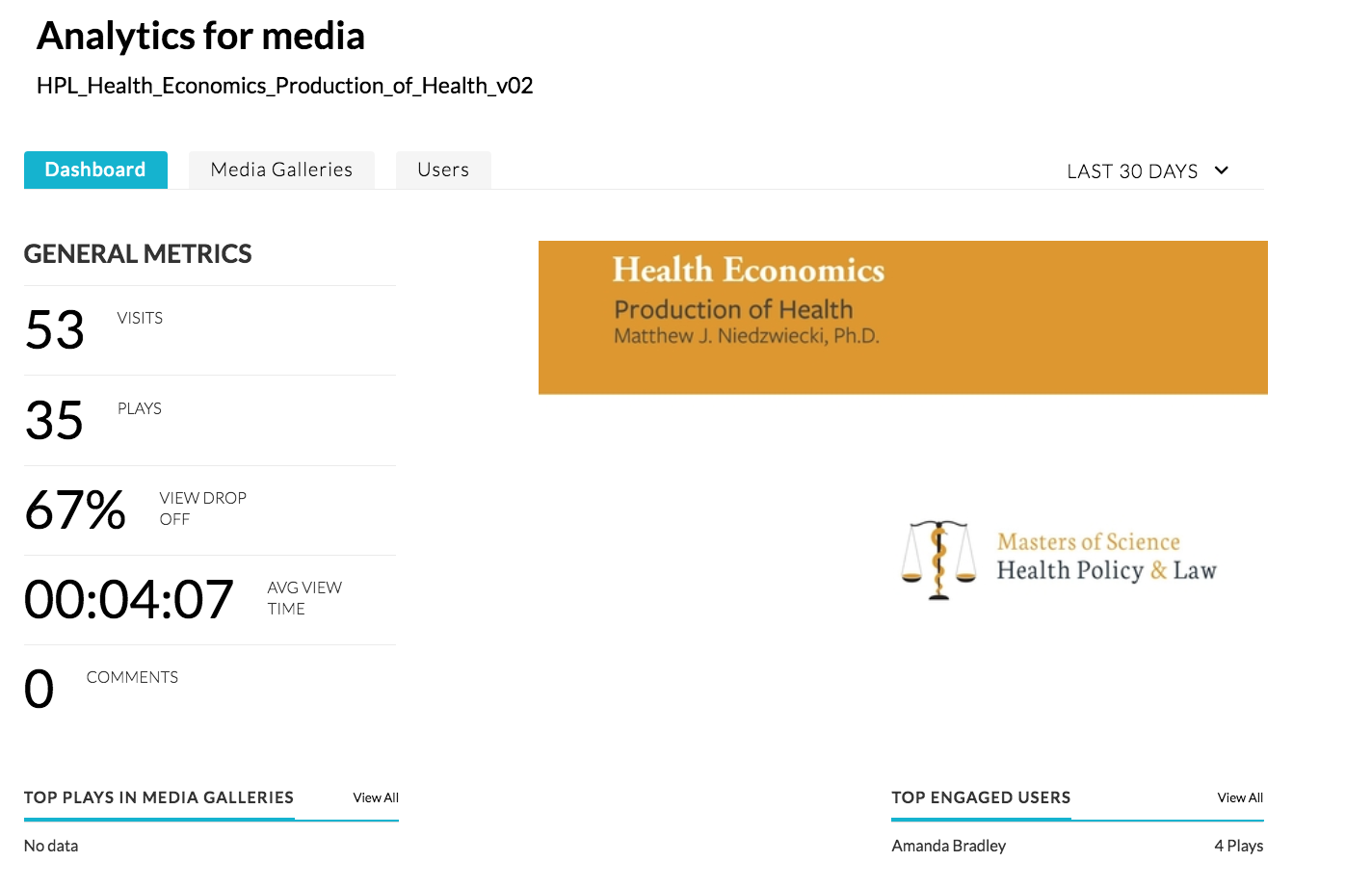
- Dashboard tab shows the summary of this video stats (example below)
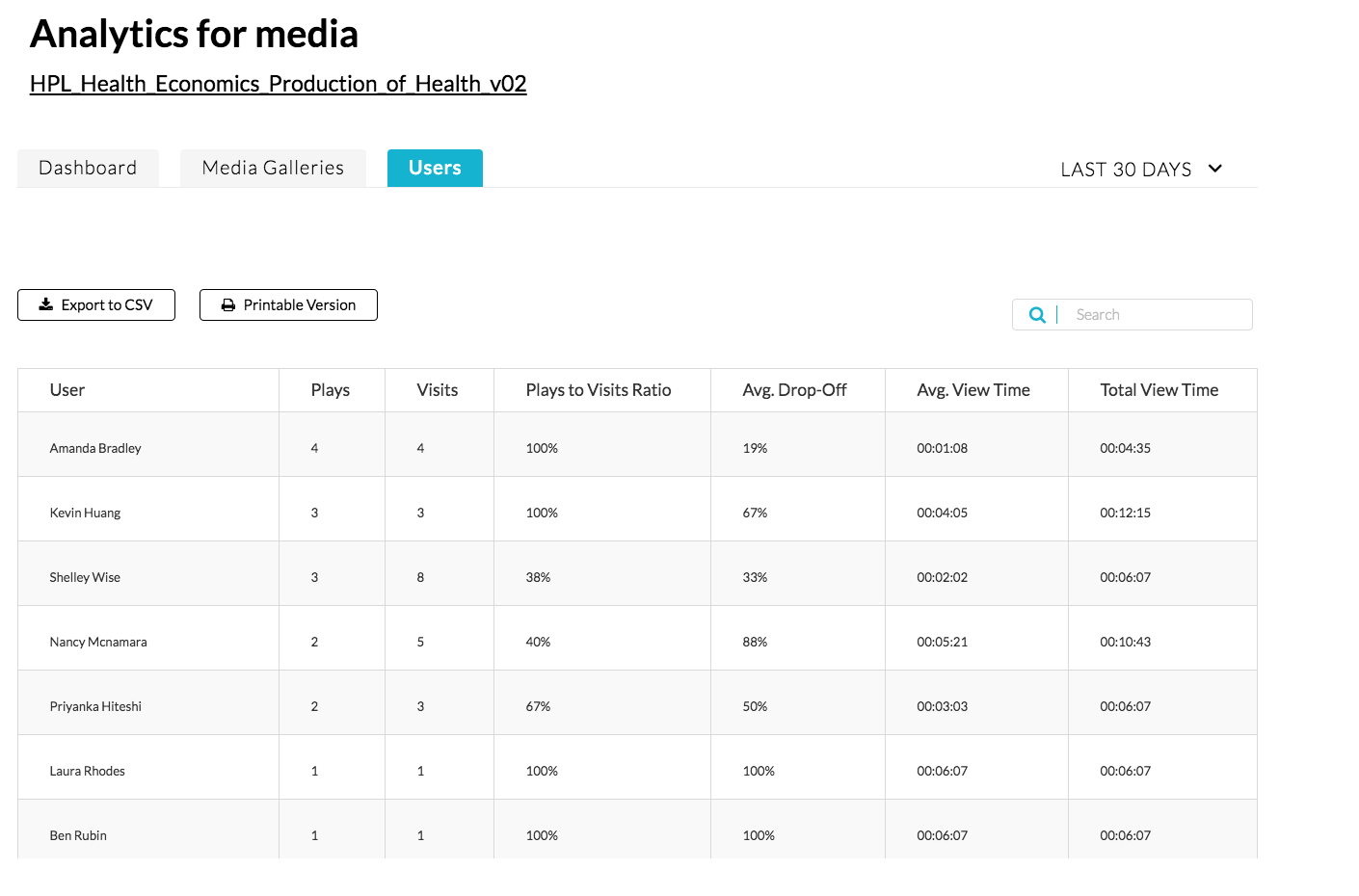
- Click the Users tab to see the user-specific data (example below)
Last modified: Monday, November 27, 2017, 4:46 PM